Fast where it counts
A native Rust core handles IMAP, SMTP, MIME and the local cache. No Electron, no warm-up, no waiting.
Morrow · desktop mail
A tiny, local-first email client for Windows and Linux. Built in Rust, designed for calm — your mail stays on your device, and your inbox finally feels quiet.
Why Morrow
Most mail apps ask for a lot of attention. Morrow is built around a simple idea: the best inbox is the one that gets out of your way.
A native Rust core handles IMAP, SMTP, MIME and the local cache. No Electron, no warm-up, no waiting.
Recent mail lives in a compact SQLite cache on this computer. Opening a message is instant — even when the network isn't.
Passwords go into Windows Credential Manager or Linux Secret Service. They never touch a Morrow server.
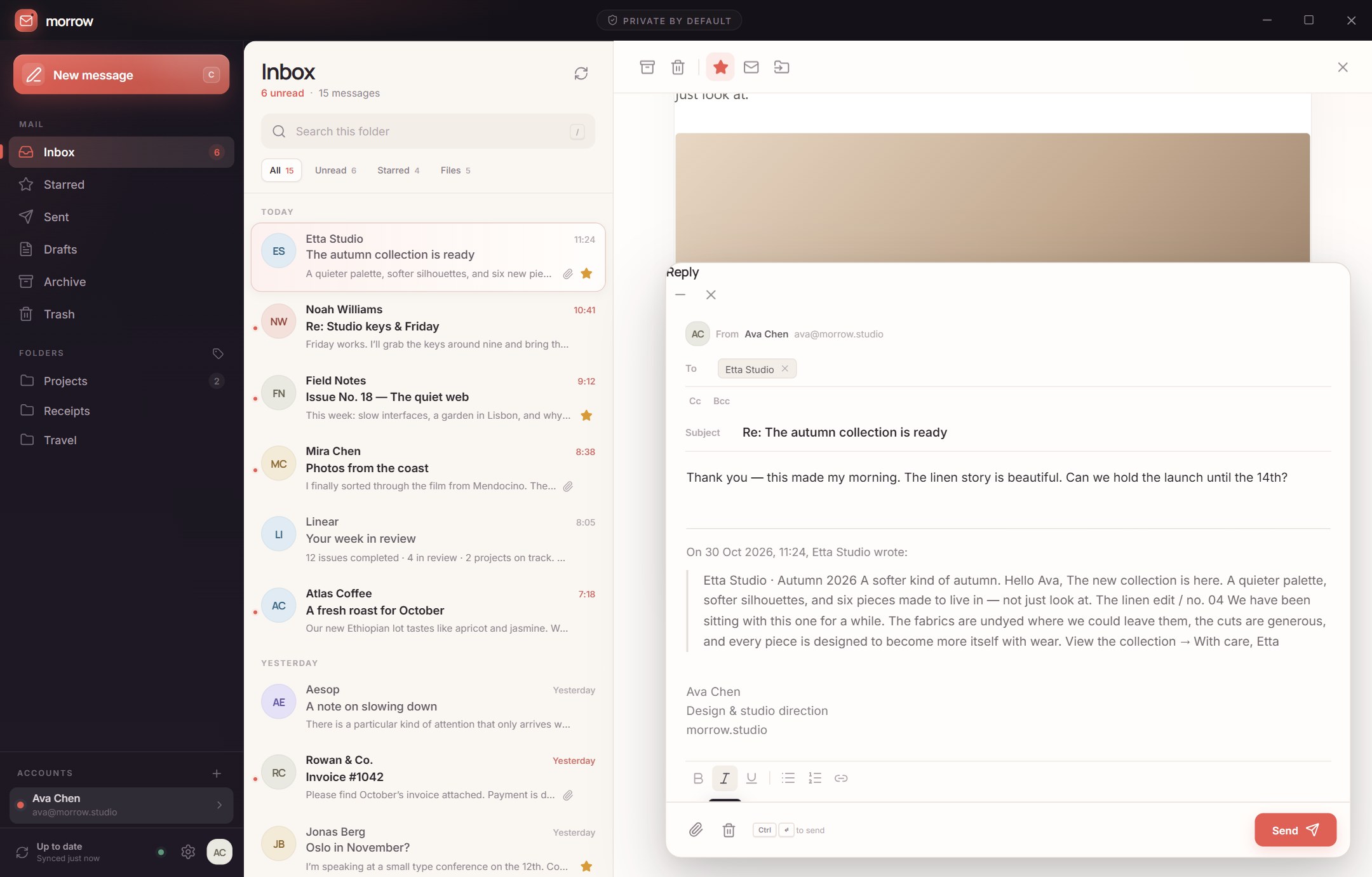
Multiple accounts and folders, attachments, rich replies, stars, archive, move and search. The everyday things, done well.
Remote images stay blocked, HTML mail is sandboxed, and every message gets a clean, readable stage.
No sound effects, no red badges screaming from the dock, no AI reading your mail. Light and dark themes that behave.
Inside the app
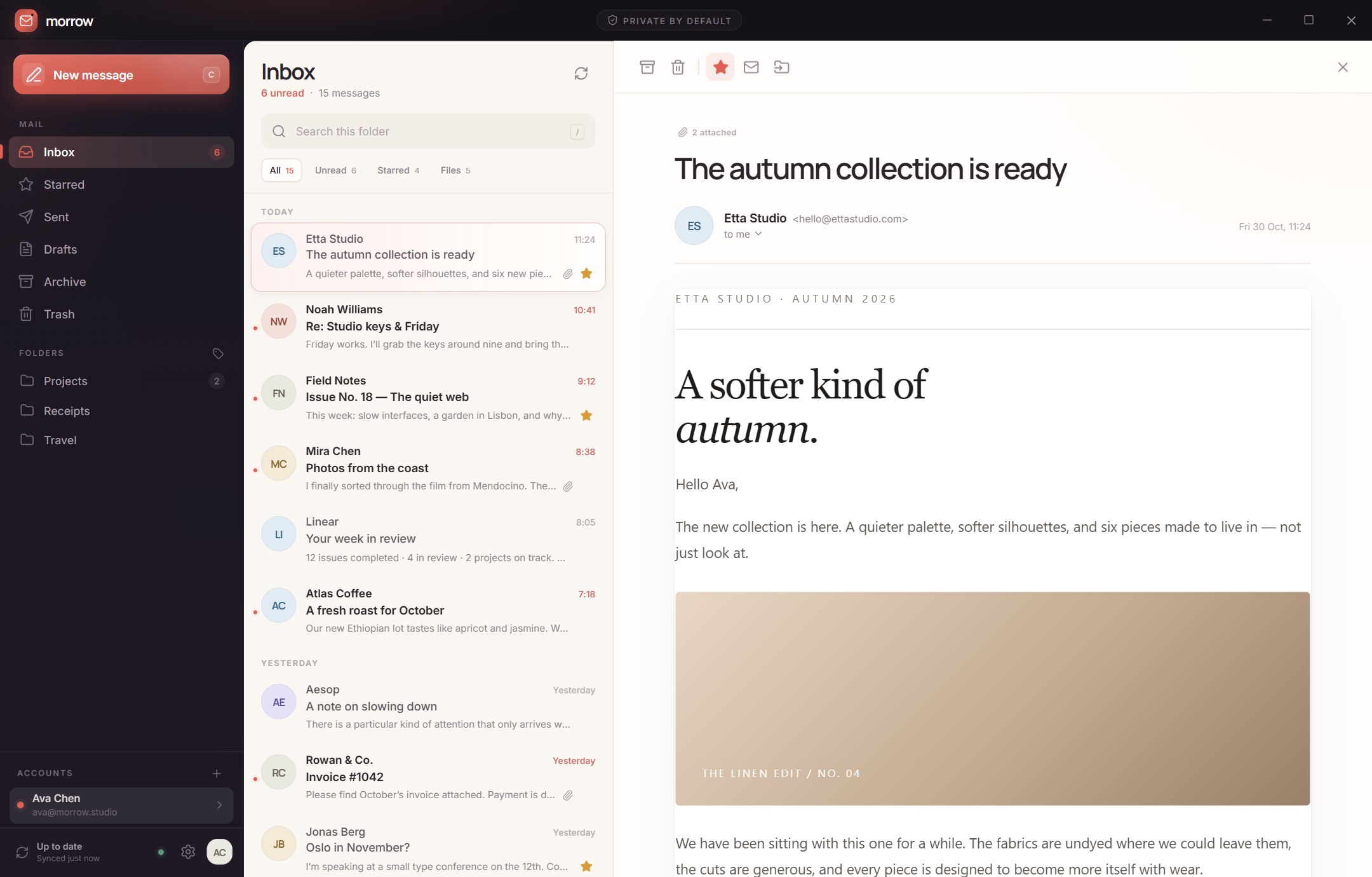
Three panes, a handful of carefully chosen details and nothing asking for your attention unless it deserves it.
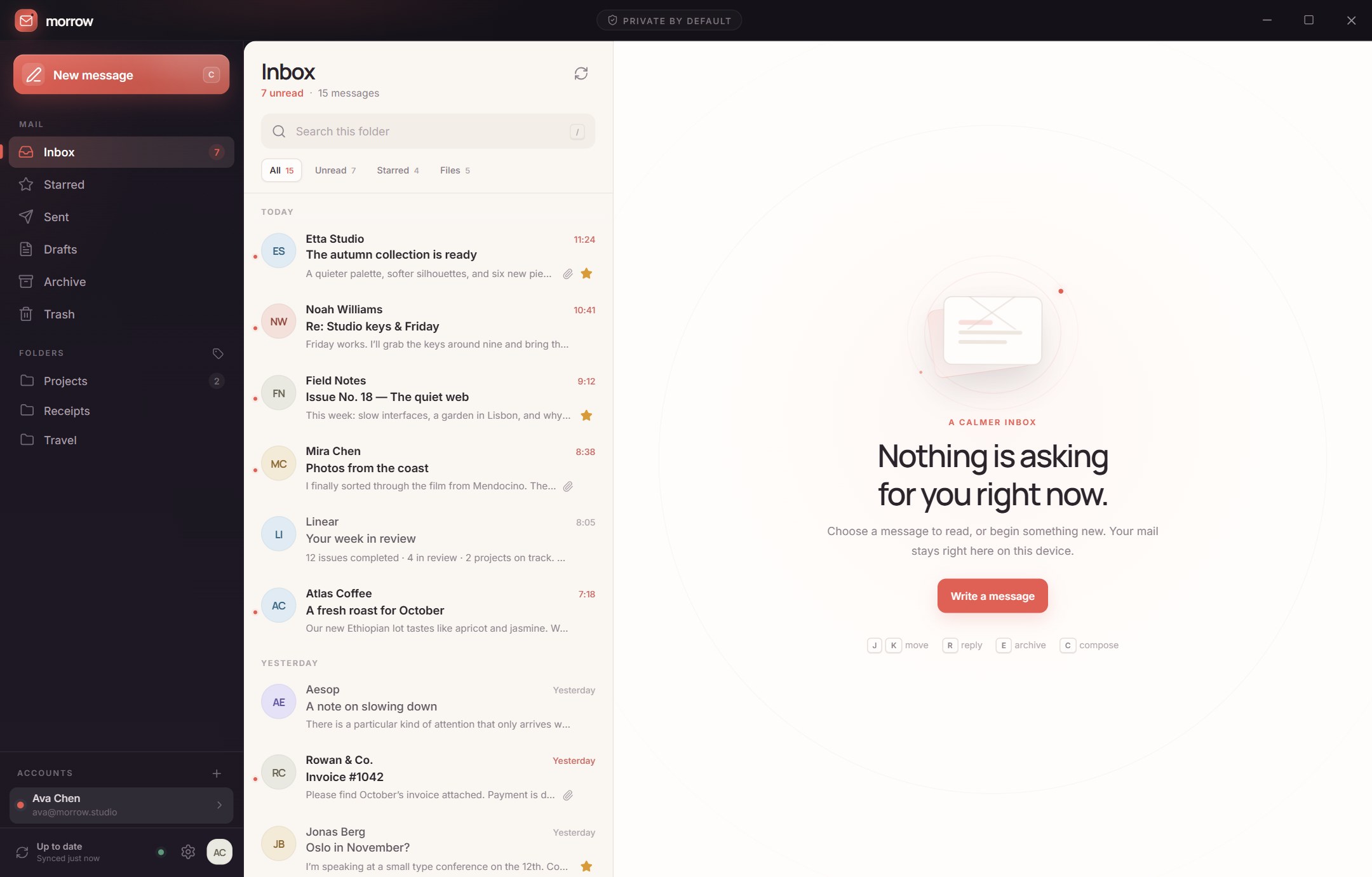

Unread, starred, files and folders in one glance. The inbox shows what matters and stays quiet about the rest.
Private by default
Morrow talks directly to your mail provider. There is no account to create, no inbox to scan and no middleman to trust. Just a small desktop app and your existing email.
settings.json
mail.db
OS vault
none
Ready when you are
Fast, native and at home on Windows. The 3 MB installer includes everything except WebView2, which ships with current Windows.
Download for Windows 3.1 MBA proper Linux desktop app. Use the Debian package on Ubuntu and friends, or the AppImage for everything else.
chmod +x first.
Good to know
A personal project, made with care. Here are the honest answers to the things people usually ask before trying a new mail app.
More projectsAny provider that offers standard IMAP and SMTP with password or app-password sign-in. Gmail, iCloud, Fastmail, Yahoo, Zoho and most personal domains work with an app password. OAuth is not supported yet, so Microsoft/Outlook accounts that require OAuth may not connect.
Your mail lives on your own mail server. Morrow keeps a small local SQLite cache of messages you have loaded, so they open instantly. Account passwords are stored in your OS credential vault, never in a plain text file.
Cached messages can be read offline. Syncing new mail and sending require a connection to your mail server. There is no Morrow cloud service in between.
The build is not code-signed, so Windows SmartScreen may show its standard “unknown publisher” notice. You can review the installer, choose More info → Run anyway, or inspect the SHA-256 checksum above.
Yes. Morrow supports multiple IMAP + SMTP accounts, each with its own folders and local cache, in one window.
Install the .deb with your package manager on Debian or Ubuntu, or download the AppImage, make it executable with chmod +x, and run it directly. Both use the system WebKitGTK runtime.